Making AI Answers Checkable
AI answers now arrive as calculators and dashboards. A polished answer isn't a checked one. Here's what I'd put next to every number users must trust.

Answers are turning into interfaces: calculators, charts and dashboards that build themselves. That makes them easier to use and easier to over-trust. Here's what I'd show next to every number a person is asked to rely on.
Two launches landed in the first half of October. OpenAI began rolling out Intelligent UI in ChatGPT on October 7, which lets an answer include things like calculators, charts, forms and maps. A day later, Anthropic released Claude Dashboards in beta, where you can click a number and see the query behind it. Lisa Demchenko set the two side by side in her newsletter this week, and the contrast stayed with me: one makes the answer look better, the other helps you check it.
I'm working from TechRepublic's and The New Stack's coverage, so what follows is about the patterns and not about how well either one works.
A polished answer isn't a checked one
According to TechRepublic, Intelligent UI can produce a savings calculator with adjustable amounts or a map with adjustable stops, without the user asking. As a way to explore a question, that's often better than a paragraph.
The same article describes no citation or source-verification element for the feature, and advises people to check the figures, calculations and assumptions themselves. That's the gap I'd focus on. A slider that moves a number looks like a tool someone built carefully, and it can raise how much a user trusts the result without adding any evidence behind it.
What clickable numbers get right
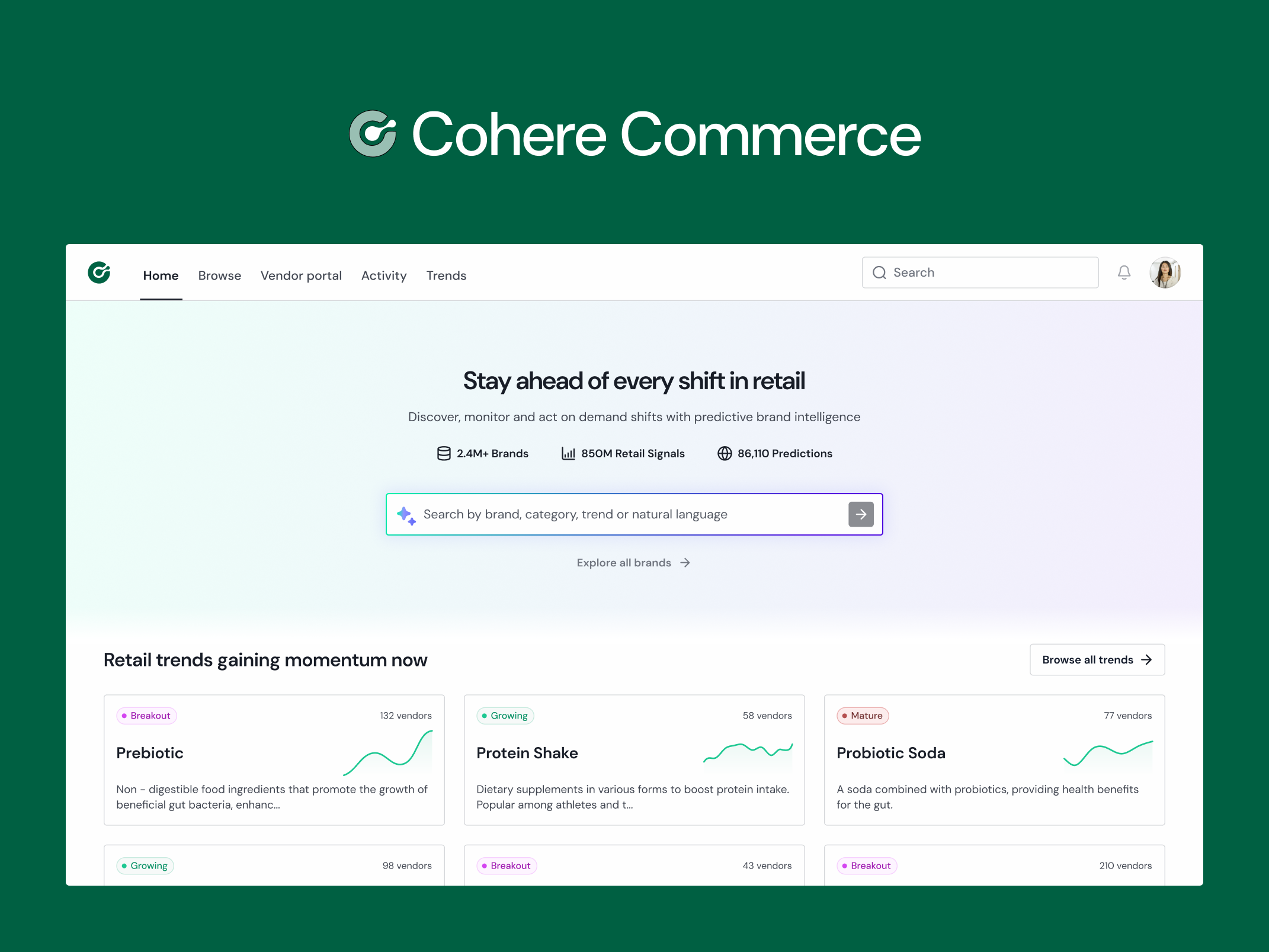
As The New Stack describes it, Claude Dashboards lets you click any number to see the query that produced it, and if you don't read SQL you can ask Claude to explain the figure. Each chart also shows when it was last updated.
Three small things are happening there. The user can find out where a number came from, can get that explained in ordinary language, and can see how old it is. None of them is hard to build, and most dashboards I've seen offer none of them.
Same dashboard, different numbers
There's a design consequence in how sharing works. The New Stack quotes an Anthropic spokesperson saying that dashboards use the data access people already have, and that when you share one, each viewer's own connections run its queries by default.
That's a sensible security choice, since nobody sees data they weren't already allowed to see. It also means a dashboard stops being one fixed thing and becomes something that can show two colleagues two different totals. I'd expect the first question in any meeting to be why the numbers don't match, and the interface is the only place that can answer it.
What I'd put next to a number
This is my own checklist and not something from either product.
- Where it came from. A way to see the source or the calculation, in terms the person can read.
- What it assumes. If a result depends on an input the user didn't choose, such as a rate, a date range or an exclusion, say so beside the result.
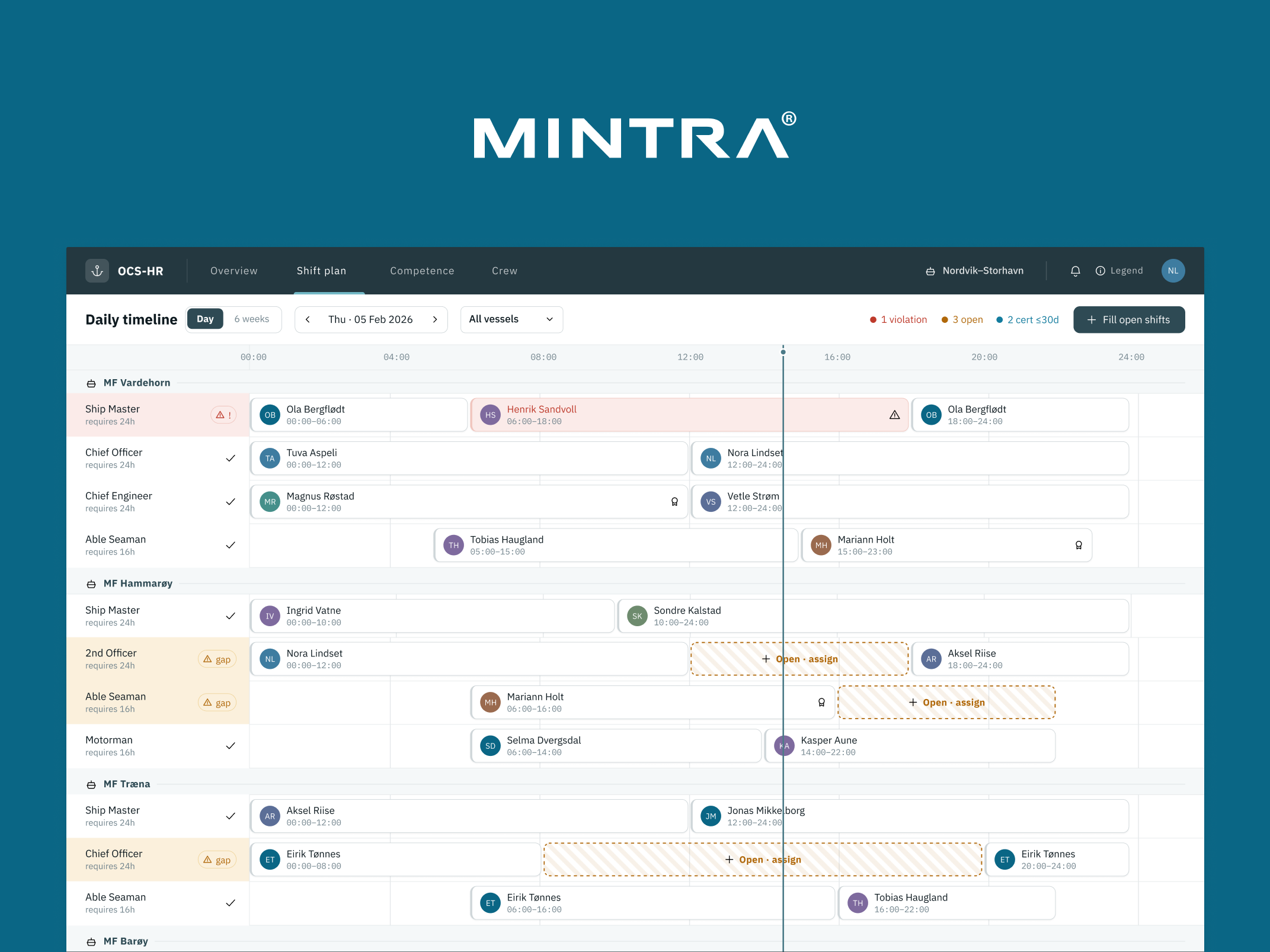
- How old it is, and whose access it reflects. A figure from this morning and a figure from last quarter should not look the same, and neither should a complete view and a partial one.
None of this needs to be loud. A small link or a line of text is enough, as long as it's always in the same place.
A test for this week
Take one number from your own product that a customer might make a decision on. Without opening the code, can the customer find out where it came from, what it assumes and how recent it is?
If not, that number is asking for trust it hasn't earned yet. Which number in your product would you fix first?
Gytis Markevičius
Product Designer — gytismark.com
More writing

Book a 20-minute intro call
Slots show in your own time zone.
Let’s see if it’s a fit.
Twenty minutes is usually enough: the role, the product, and how your team works.


Ask AI about my work
AI answer, based on my case studies and CV
Answers show up here as they're written. I keep them short and point you to the case study they come from.
AI can get things wrong. If something matters, check the case study or email me at hi@gytismark.com.